

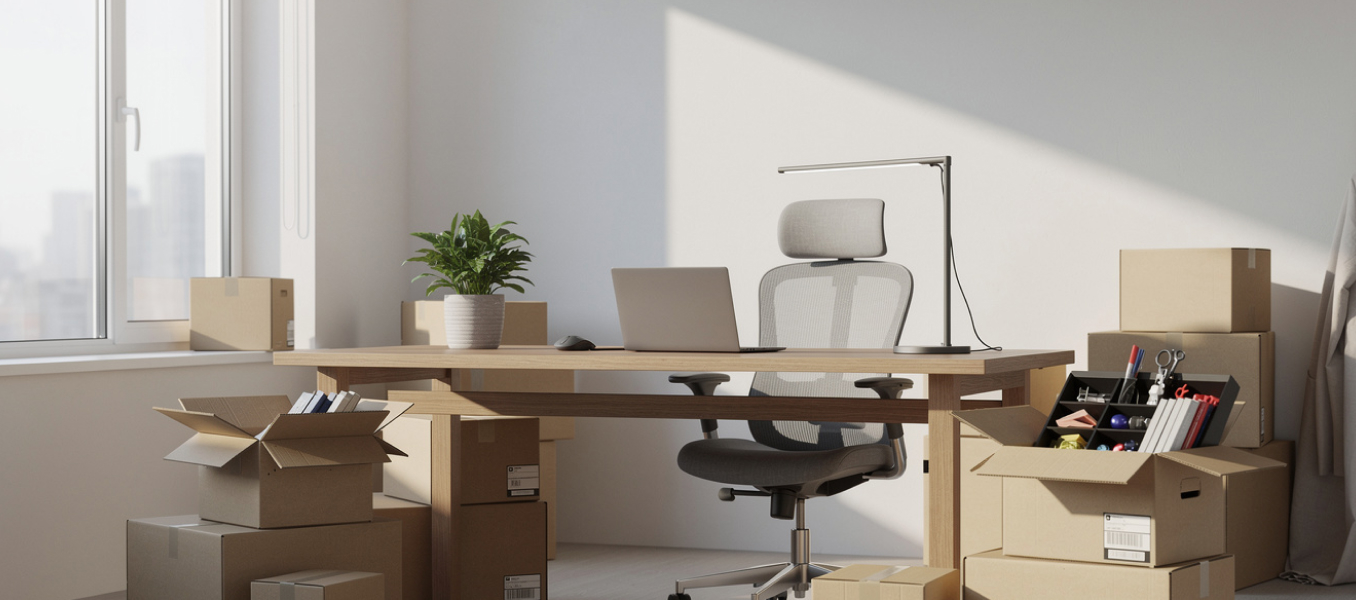
Your home office holds thousands of dollars in electronics and irreplaceable data. Packing home office Sacramento relocations the wrong way leads to cracked monitors, corrupted hard drives, and hours spent untangling mystery cables. Follow this step-by-step guide to protect every piece of equipment before moving day.
A home office move is any relocation involving computers, monitors, printers, networking gear, and the digital files stored on them. The first step has nothing to do with boxes. It starts with your data.
Back up every device at least 48 hours before you start packing. Use a cloud service like Google Drive, Dropbox, or iCloud for documents under 2 TB. For larger archives or sensitive client files, clone your hard drive to an external SSD. Store that SSD in a padded case and transport it in your personal vehicle, not the moving truck.
Sacramento’s summer temperatures regularly exceed 100°F. Heat damages magnetic hard drives and lithium batteries. If you’re moving between June and September, keep all storage devices and laptops inside your air-conditioned car during transit.
Original packaging is the gold standard for packing computers during a move. Manufacturers design those boxes with fitted foam inserts that absorb shock from every angle. If you kept the original box for your monitor, use it.
No original box? Here’s what to do:
For desktop towers, remove the GPU if it weighs more than 1.5 pounds. Heavy graphics cards can snap off the PCIe slot during transport. Wrap the card in an anti-static bag, then cushion it separately. Fill the empty interior of the tower case with a small anti-static pillow or wadded microfiber towels to prevent components from shifting.
Need help packing fragile office equipment? Fuller Moving Services’ Sacramento crew handles electronics with care.
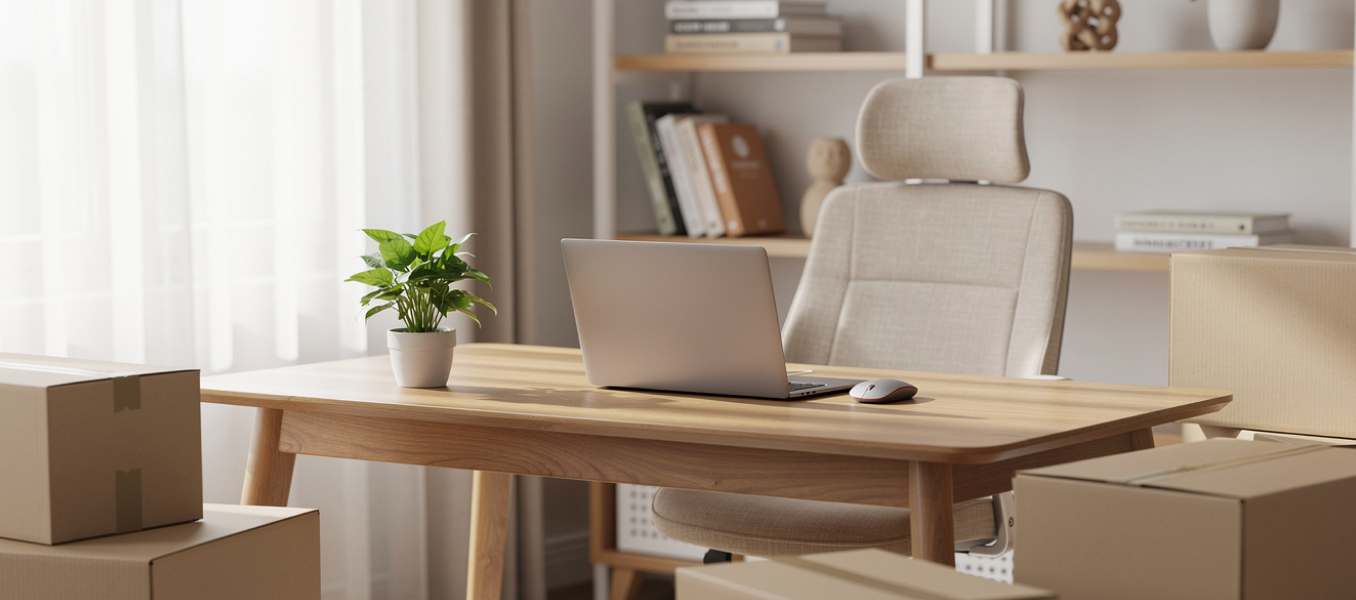
Cables are the most underestimated headache of any home office move in Sacramento. The average desk setup has 8 to 12 cables: power cords, USB connections, HDMI lines, Ethernet runs, and charger bricks.
Before unplugging a single cord, photograph the back of every device. Take close-up shots showing which cable connects to which port. Then follow this system:
Desk accessories like staplers, pen cups, sticky notes, and USB hubs go into gallon-size zip-lock bags sorted by drawer. This keeps small items from rattling around in a larger box and speeds up unpacking at your new Sacramento home.
For hard drives and SSDs not installed inside a tower, wrap each unit in two inches of foam padding. Place them in a rigid container, not a soft bag. Even a short drop onto concrete can destroy a spinning hard drive.
Transport your laptop in its own padded sleeve inside a carry-on bag. Never put a laptop in the moving truck.
Packing a home office takes precision, the right materials, and a plan for heat-sensitive electronics. Fuller Moving’s Sacramento team knows how to protect your setup from first backup to final cable reconnection. Call us or request your free quote online now.
Ready to move your home office without the stress? Talk to Fuller Moving Services’ Sacramento team today or get your free quote online to get started.












 Call: (916) 252-4188